The new MindPaint.
Remade from scratch.
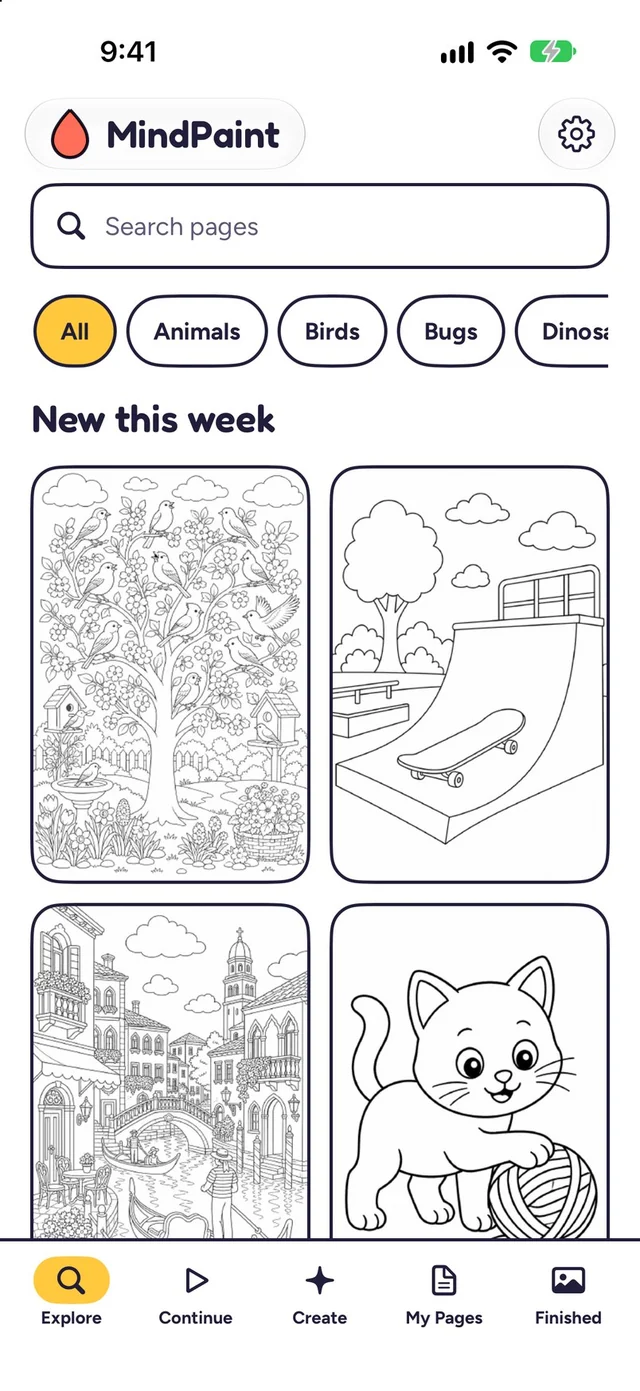
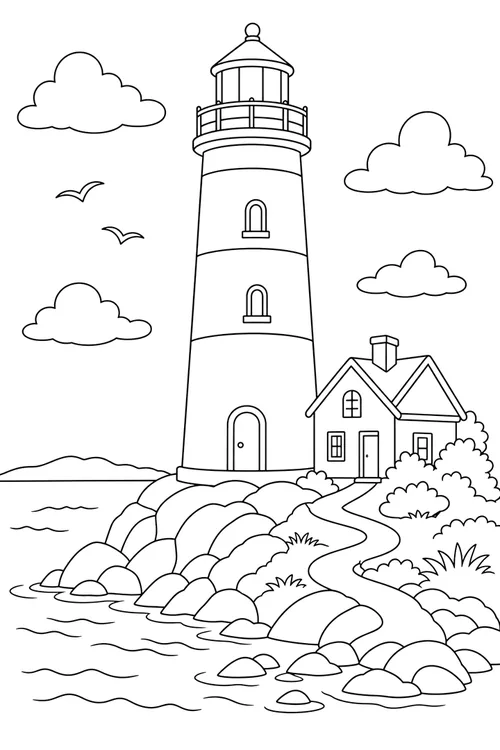
The original was a website for printing coloring pages. This one is a complete redesign: a native coloring app with a full catalog, three ways to color and pages made from your own ideas.
Then
Make a page on a website. Print it. Find your crayons.
Two cofounders.
Now
Open the app and start coloring, on your iPhone, iPad or Android device.
One cofounder. If you're the other one and you're seeing this... you own part of this too.
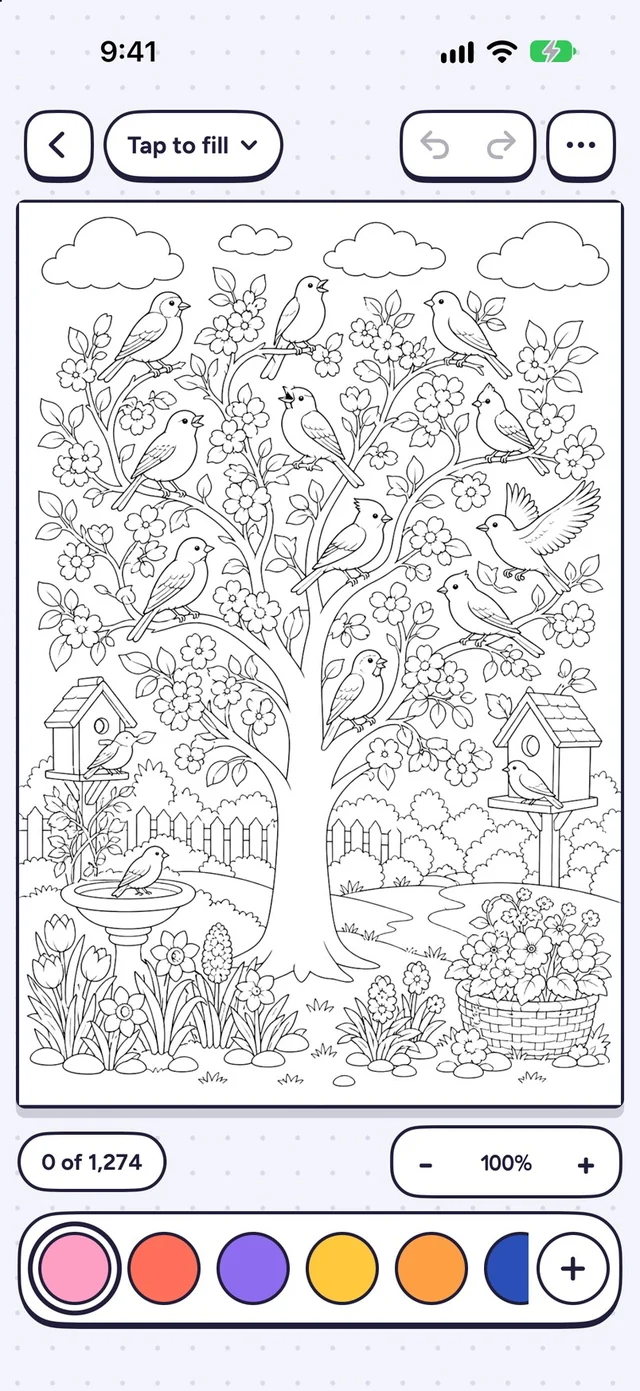
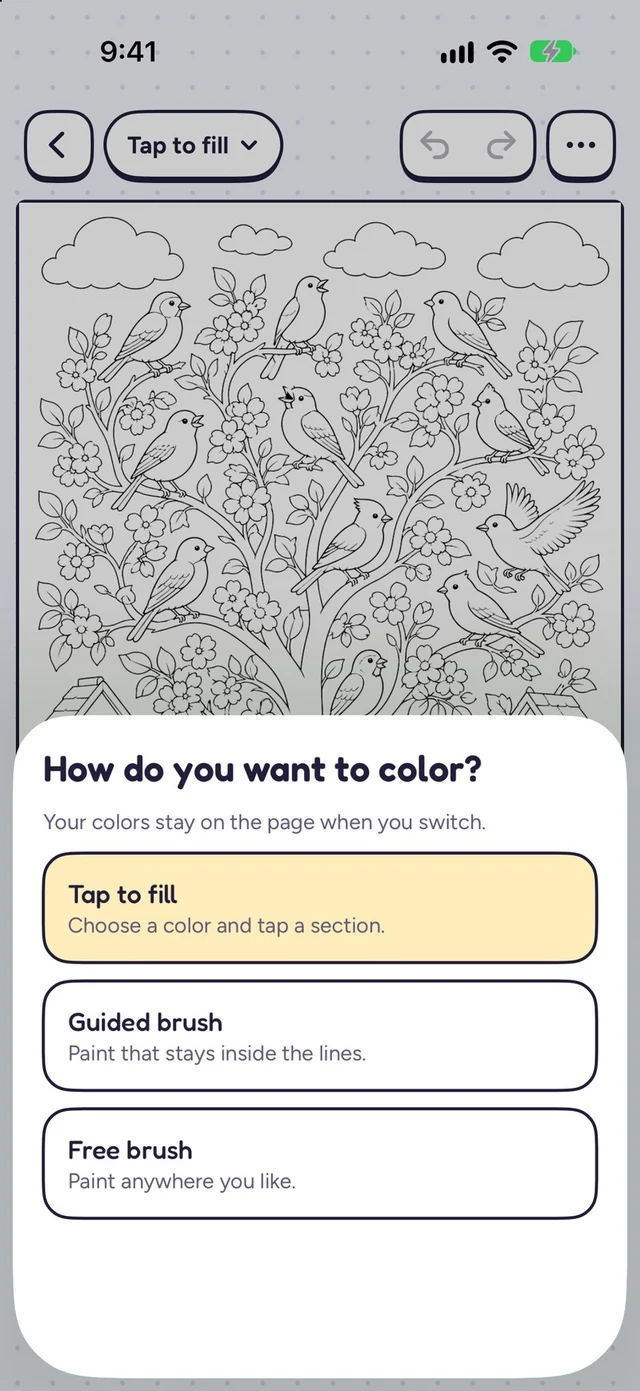
Three ways to color, one page
Tap to fill
Choose any color and tap a section. There are no wrong colors.
Guided brush
Paint freely while your color stays inside the lines.
Free brush
Paint anywhere, with stylus pressure and tilt. Switch at any time, with more notice than our cofounder gave.
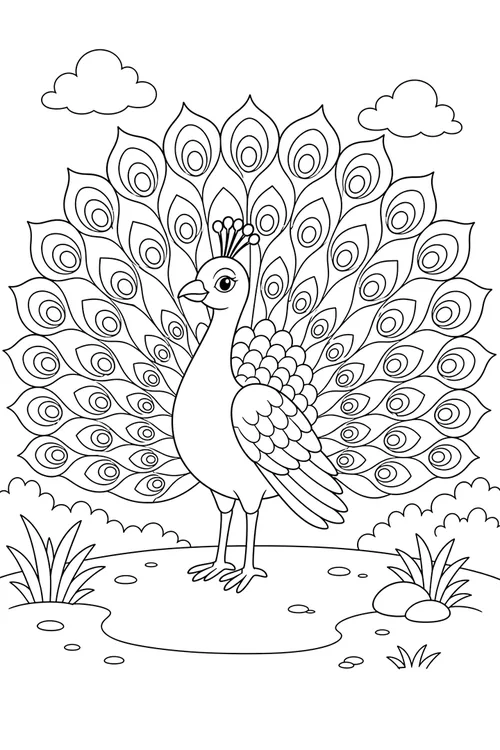
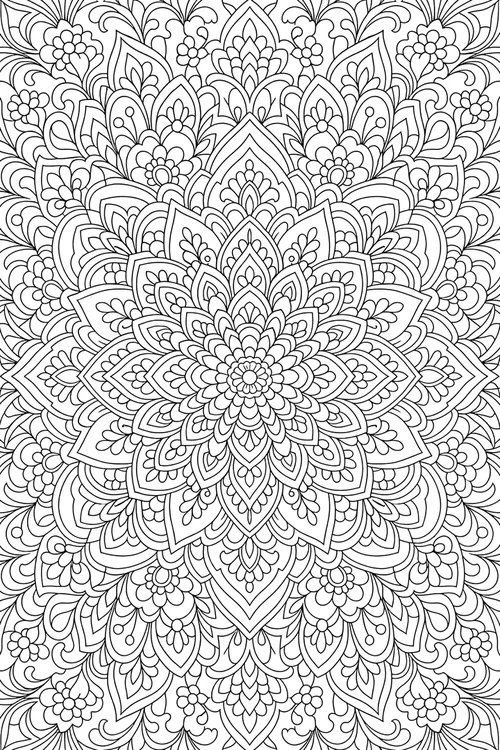
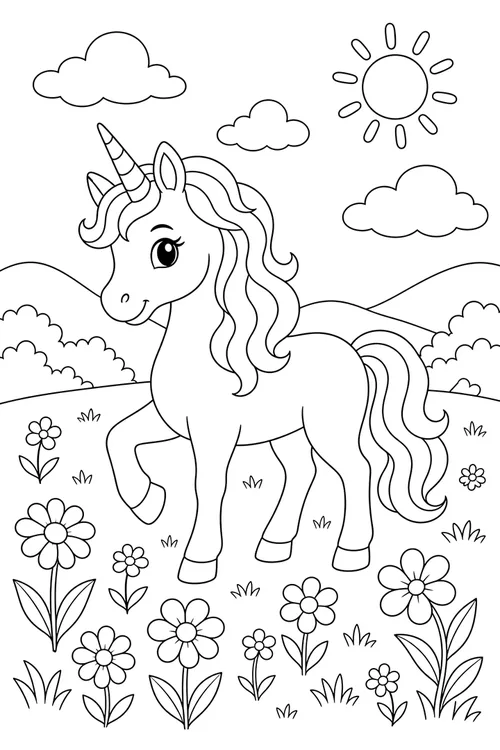
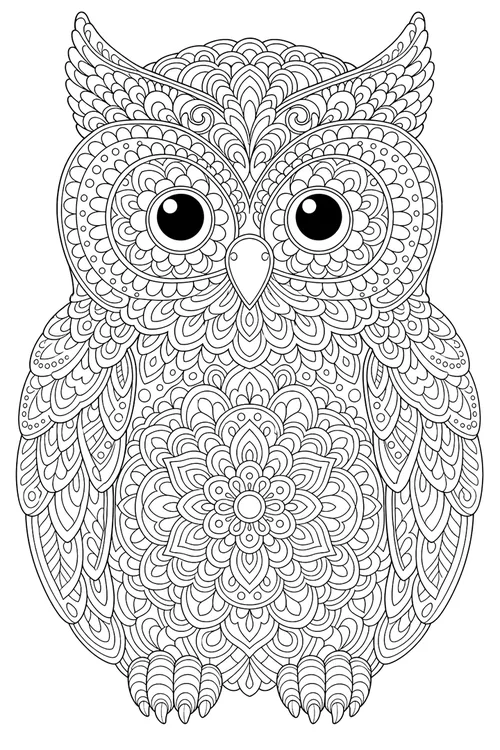
A shelf full of pages, and room for yours
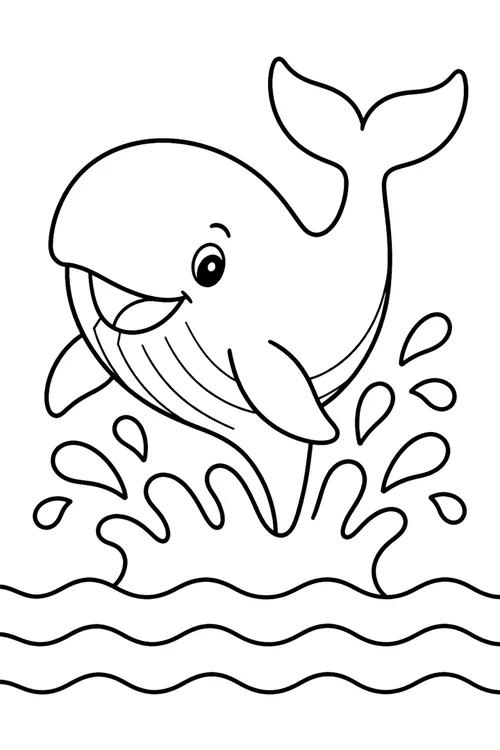
Search by category and difficulty, from Simple to Intricate. Or describe any idea, add a photo if you like, and color it right away. Creating pages needs a family account and credits. It can't find a missing cofounder, though. We checked.
Made with families in mind
No ads and no account needed to start coloring. Parents set up child profiles, control page creation and can delete a child's data at any time.